
A washed and dried drive fails in a specific order, and drying it the wrong way turns a survivor into a casualty. What to do in the first hour, and why.
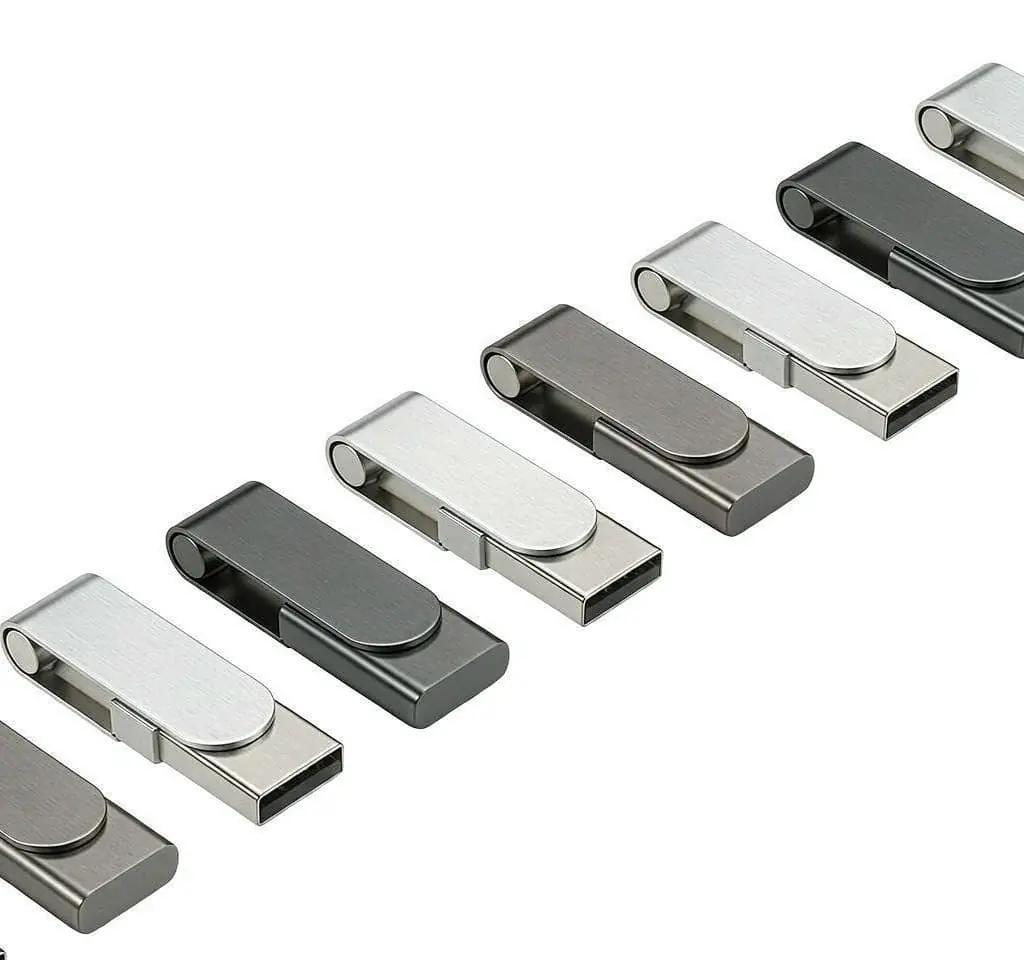
A USB drive that has been through a wash cycle usually survives, because the flash chip and controller are encapsulated and there is no battery. The danger is twofold: powering it while wet, which risks shorting the connector and the board, and drying it with heat, which can drive moisture past seals and warp the housing. The right response is to leave it unpowered, let it dry slowly at room temperature, and only then test it in a port you are not worried about.
The short answer
Leave it unpowered, dry it slowly, test it in two days. Most washed drives come back. Most dried-with-heat drives do not.
The drive has no battery and no moving parts. The flash chip is encapsulated silicon. Water does not destroy the data by being wet — it destroys the metal by corroding it over time, and it destroys the device by shorting the connector while power is applied.
| Action in the first hour | Effect |
|---|---|
| Leave it unpowered | The single most important decision |
| Remove the cap, shake out water | Lets air reach the connector |
| Wipe the outside dry | Removes bulk water before it migrates |
| Work a swivel or slide gently | Releases water trapped in the mechanism |
| Plug it in to “check” | Turns a likely survivor into a likely casualty |
| Apply heat | Drives moisture inward, warps housings |
Why it usually survives
Three properties of the device work in your favour.
No power source. There is nothing inside to short. The electronics are inert until the host applies voltage, which means the entire drying period is a period with no electrical risk.
Encapsulated memory. The NAND die and the controller are plastic-packaged semiconductors, not exposed silicon. Water cannot reach the die without a mechanical breach in the package, which a wash cycle does not produce.
Coated boards. Better drives have conformal coating or potting over the board. This is not a guarantee and it varies by manufacturer, but it means the exposed metal is mostly the connector and the solder joints, not the whole circuit.
Why powering it early is the real danger
The connector has closely spaced contacts carrying power and data. Water between them, especially water with detergent residue in it, is conductive enough to bridge them. The result ranges from a protective shutdown in the host to a short that damages the controller.
Detergent makes this worse, because it leaves ions behind when it dries. A drive that went through a wash cycle is not just wet; it is wet with a mildly conductive solution, and that solution dries into a mildly conductive residue on the contacts.
A wet drive plugged in is a gamble. A dry drive plugged in is a test. The whole job is to get from the first state to the second without doing anything in between.
Why heat is the second danger
Heat does three unhelpful things at once:
- It pushes moisture inward. Warm air expands the air trapped inside a housing; when it cools, moisture is drawn further in past seals and seams.
- It warps housings. A plastic shell that softens slightly can settle out of alignment, and a connector that no longer sits square will not mate reliably even after the drive is dry.
- It softens adhesives. On glued or two-piece shells, heat weakens the bond that was keeping the water out.
A tumble dryer combines heat with tumbling, which adds mechanical stress. If the drive has been through one, the probability drops, but the correct response is unchanged.
A drying protocol that works
- Do not plug it in. Not to check. Not once.
- Remove the cap and any attachment. Air has to reach the connector.
- Shake it out, connector down, over a sink.
- Wipe the exterior with a dry cloth or paper towel.
- Work the mechanism if it has a swivel, slide or push-out action — gently, a few cycles, to release trapped water.
- Place it in a warm, dry, ventilated spot for 24 to 48 hours. Beside a radiator is too hot; on a shelf in a dry room is right.
- Optionally use a desiccant — silica gel sachets in a sealed container work better than rice and leave no debris.
- Test it in a port you do not care about, on a machine whose other ports you would not mind losing. Then check the file system and, if the data matters, copy everything off before anything else.
Step 8 is where a survivor is confirmed. Copy the contents immediately, because a drive that has been wet is a drive with an unknown amount of corrosion in progress, and its remaining life is not something you can measure.
What actually fails, and what can be done about it
| Failure | Cause | Recoverable? |
|---|---|---|
| Not detected at all | Corroded contacts, cracked solder joint | Often, by reflow or replacement |
| Detected but unreliable | Partial corrosion, marginal contact | Data usually readable with care |
| Detected, data corrupt | Controller or board damage | Specialist recovery |
| Physically deformed | Heat, tumbling | Housing replacement at best |
The first two are the common outcomes in a washer. A repair technician with a soldering iron can often reflow the connector on a drive that has stopped being detected, which is worth doing if the data matters and the drive is not a commodity item.
If the data genuinely matters, the rule is the same as for any failing drive: stop using it, do not attempt repeated recovery yourself, and copy what you can in one pass rather than browsing it repeatedly.
Designing for the pocket
If you are specifying drives for people who will carry them in a pocket, three things reduce the risk:
- A tighter housing. Metal bodies and well-fitted two-piece shells keep water out better than loose seams.
- A capless construction. An exposed connector dries faster and has no cavity to trap water behind a cap.
- An explicit IP rating if water exposure is a genuine requirement. Almost nothing in the custom promotional category is rated, and a supplier who claims water resistance without a rating is describing an opinion.
For why drives fail in ordinary use rather than in a washing machine, see why units fail in the field, which separates wear-out, write amplification and retention from the physical damage described here.
The short version
Leave it alone for two days. No power, no heat, no rice in the connector. Then test it somewhere you do not care about, and copy the data off immediately if it mounts.
Most washed drives survive. The ones that do not are usually the ones that were tested early or dried with a hairdryer.
If you are sourcing drives for an environment where this happens constantly — schools, site work, student gifts — tell us how they will be carried and we will tell you which housing construction holds up, and which ones we would not recommend for that use.
Sources
Frequently asked questions
Will water destroy the data on a USB drive?
Water alone rarely destroys flash memory. The memory die is a silicon chip encapsulated in a plastic package, and the board is coated or potted in most quality drives. What water does is corrode the metal — the connector shell, the solder joints, the USB contacts — and corrosion takes time, not seconds. A drive that is rinsed and dried promptly often works fine; one that sits wet for days in a warm place may lose the connector before it loses the data.
Should I put it in rice?
Rice is better than nothing and worse than air. It absorbs some moisture but slowly, it introduces dust and starch into the connector recess, and it gives a false sense of a process having been completed. Wiping the drive, shaking out visible water, and leaving it in a warm dry place with airflow for a couple of days is more effective and does not risk debris in the one part that has to make electrical contact.
Can I use a hairdryer to speed it up?
No. Heat is the risk. A hairdryer can push moisture deeper past seals, warp a plastic housing so the connector no longer aligns, and on some constructions soften adhesives. Warm air moving across the drive is useful; hot air blown into it is not. Room temperature with gentle airflow is the right condition, and patience is the only accelerator.
What should I do in the first hour?
Do not plug it in. Take it out of the machine, remove any cap so air can reach the connector, shake out visible water, and wipe the outside with a dry cloth. If the drive has a swivel or slide mechanism, work it gently a few times to let water out of the pivot. Then leave it somewhere dry and warm with air moving past it, for at least a day and preferably two. Do not test it early, because a test is a power-up.
What if the drive is not detected after drying?
Try a different port and a different computer before concluding anything. If it is still not detected, the usual causes are corrosion on the connector contacts or a failed solder joint where the connector meets the board — both physical, both repairable by someone with the right tools. Do not keep plugging it into different machines looking for a different result; repeated power-ups on a wet or corroded connector is how a recoverable drive becomes an unrecoverable one.
Does a metal body survive better than plastic?
Generally yes, for a mechanical reason: a metal housing is usually a tighter assembly with fewer gaps, and the board sits further from the openings. A two-piece plastic shell with a loose seam lets water in and holds it against the board. This is a resistance difference, not a rating — almost no USB drive in this category is sold as waterproof, and those that are state an IP rating explicitly. If water resistance matters, that rating is the thing to specify.
Will a tumble dryer finish the job?
A tumble dryer is the worst case, because it combines heat, tumbling mechanical stress and prolonged exposure. A drive that went through a wash and came out wet is a good candidate for recovery; the same drive after an hour of hot tumbling is a much weaker one. If it has been through the dryer, still do not power it, still dry it slowly, and expect a lower chance of success — the housing may also have deformed, which is a mechanical failure independent of the water.