
It means the speed is set when they build your order, not stamped on the part. So 'customizable' with no number next to it is a quote you can't compare with anyone else's. You need three numbers — read, write with cache, and sustained write after the cache is full — and you need them against the capacity you'll actually ship, because the same drive quotes very differently at 64GB and at 128GB.
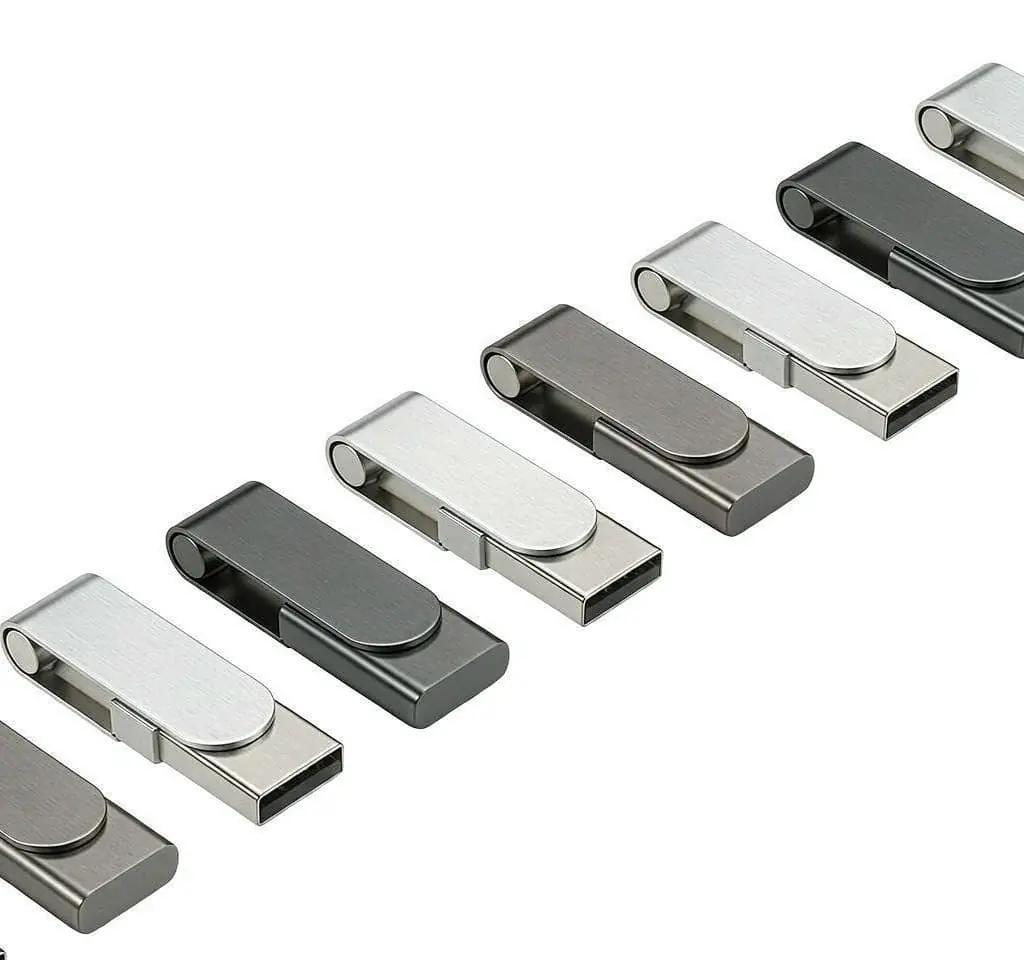
When a supplier says speed is 'customizable', ask for three numbers, not one: read speed, write speed with the cache available, and sustained write speed after the cache is exhausted. The third is the one that matters for real work and the one suppliers leave out. State each against the capacity you'll ship, because sustained write rises with capacity. Then put the three numbers in the purchase order as a floor, with a test method named, so two quotes become comparable.
The short answer
When a supplier says the speed is “customizable,” translate it in your head as: the number is set when they build your order, not stamped on the part.
That’s not a dodge. It’s literally true — read and write performance is chosen per build from the NAND and controller they put in. But it has a consequence you need to act on: “customizable” with no number next to it is a quote you cannot compare with anyone else’s.
One supplier’s “fast” is another’s “standard,” and neither has told you anything.
You need three numbers, not one.
The three numbers (and why one hides the others)
| Number | What it measures | What it predicts |
|---|---|---|
| Read speed | Sequential read | Playback, loading |
| Write with cache | First seconds of a transfer | Almost nothing about real work |
| Sustained write, cache exhausted | Continuous write to a full drive | Whether your library export takes 6 minutes or 50 |
The first two are what datasheets quote. The third is what your workflow actually feels — and it’s the one most quotes leave out.
A short burst writes into fast on-drive cache and looks excellent. Then the cache fills, and the drive has to program memory directly, which is three or four times slower. On a 50GB media library, the cache is a rounding error — over 95% of the transfer happens at the sustained rate. So a quote built on the burst figure is describing 5% of your job.
A scenario: the DJ preparing a library
A buyer building drives for a music or video library gets two quotes:
- Supplier A: “USB 3.0, up to 100MB/s”
- Supplier B: “read 95–120MB/s; write with cache 30–55MB/s; sustained write 15–30MB/s”
Supplier A’s number is bigger and emptier. Supplier B has told you the sustained floor — the figure that decides whether exporting a library is a coffee break or a long wait.
If the buyer only specified “fast USB 3.0,” both quotes answer the request, and the cheaper one wins — even if it sustains half the speed where it matters. The fix is to put the three numbers in the spec before asking for quotes.
Why the capacity matters as much as the number
Sustained write depends on how many memory dies can be written at once. A larger capacity usually has more dies in parallel, so within one family a 128GB drive often sustains faster than a 64GB drive with the same controller.
That’s why a single “speed for the range” is misleading. It’s really two figures attached to two capacities, and the buyer who reads “30MB/s” and orders the small capacity gets the bottom of the range.
State the number against the capacity you’ll actually ship. A spec that says “sustained write ≥ 25MB/s at 128GB” is a sentence. A spec that says “sustained write 30MB/s” with no capacity is a wish.
What to write into the specification
A usable speed spec has five fields:
| Field | Example wording |
|---|---|
| Sustained write floor | ”≥ 25MB/s sustained across a continuous 50GB transfer” |
| Test volume | “50GB single continuous write” |
| Per capacity | “State separately for 64GB and 128GB” |
| Cache stage | “State write speed with cache available and after cache exhausted” |
| NAND and controller | “Brand, grade, controller model; fixed for the order” |
The last row is what makes the number repeatable. A drive that met the floor once because of a particular allocation won’t meet it again if the allocation changes silently.
Does the interface matter?
Less than buyers assume. USB 3.0 decides how fast the drive talks to a laptop. It does not decide how fast the drive writes to its own memory — that’s the NAND and controller. A USB 2.0 drive with good internals can out-sustain a USB 3.0 drive with poor ones.
For preparing a library, the controller and NAND matter more than the port. For playback — reading tracks in a booth — almost any honest drive is fine, because playback reads small files sequentially and the bottleneck isn’t there.
Where a metal body helps is thermal: a controller that gets hot throttles, and a metal shell carries heat away, so it sustains longer. That’s a real effect, but it’s about the housing as a heatsink, not about the metal being “faster.”
What to ask before you choose
- Did the quote give three numbers, or one “up to”?
- Is the sustained number stated per capacity?
- Is a test method named (volume, tool, temperature log)?
- Is the NAND grade and controller model fixed for the order?
- If I pay more, what sustained floor do I get — and at what cost per unit?
A supplier who answers these with a curve has understood the product. One who says “we can do faster” has not, and the silence after that sentence is the answer.
Frequently asked questions
Why isn't one speed number enough?
Because one number hides three different measurements. A short burst writes into fast cache and looks great; a sustained write to a full drive is three or four times slower. A quote that says 'up to 100MB/s' is almost always the burst. What your workflow feels is the sustained number, and that's the one a quote usually omits. Three numbers — read, cached write, sustained write — are what let you compare two suppliers instead of guessing.
Does USB 3.0 mean it's fast?
Not for the work that matters. USB 3.0 decides how fast the drive can talk to a laptop; it doesn't decide how fast the drive can write to its own memory. A USB 2.0 drive with good NAND and controller can sustain more than a USB 3.0 drive with poor ones. For preparing a music or video library, the controller and NAND matter more than the port. For playback, almost any honest drive is fine.
Why does the same drive quote differently at 64GB vs 128GB?
Because sustained write depends on how many memory dies can be written at once, and a larger capacity usually has more dies working in parallel. So a 128GB drive in the same family often sustains faster than a 64GB drive, even with the same controller. A single speed figure for 'the range' is really two figures attached to two capacities — ask for each.
What test method should I name in the spec?
A continuous write of a stated volume — 50GB is a sensible figure for a drive holding a media library — with throughput recorded throughout and housing temperature logged at intervals. The pass condition is a sustained floor met from start to finish, not an average. A curve beats a number: it shows whether the drive throttles, when, and by how much.
My use is playback only. Do I still need all three numbers?
No. Playback reads small files sequentially, and almost any drive that mounts and reads without stalling handles it. You need one number — sustained read — and a file-system check. The three-number spec matters when you write large libraries, record video, or run software from the drive. Most buyers over-specify speed they don't need and under-specify the one number their use actually depends on.
Can I get the speed number raised if I pay more?
Sometimes. A faster controller and a better NAND grade both cost more and both raise the sustained floor. Ask what the next grade costs per unit and what sustained write it delivers, rather than asking for 'faster'. A supplier who quotes a floor with a method and a price for the next tier is giving you a real choice; one who just says 'we can do faster' is not.